 English
Trading logic
Analyzes support and resistance, price behavior and technical signals to identify possible entries.
AUTOMATED FOREX EA · METATRADER 4
A fully automated Expert Advisor built for the AUDUSD currency pair on MetaTrader 4. It analyzes market conditions, manages entries and exits, and runs without manual trade placement.
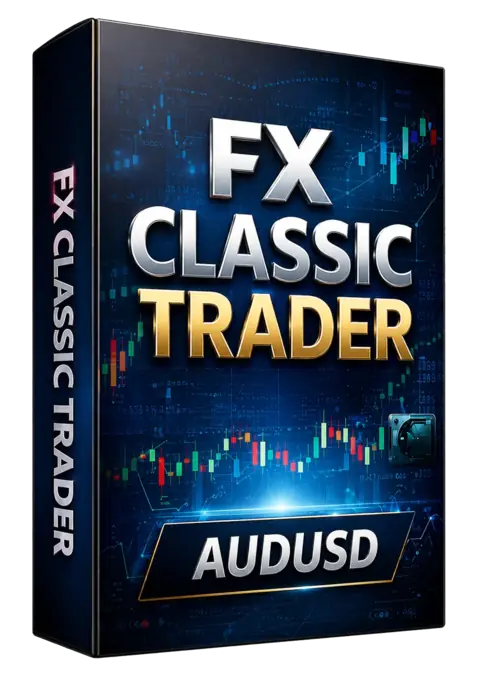
THREE PURPOSE-BUILT EDITIONS


See the headline account data directly from FX Blue. The result remains linked to the public profile, where you can inspect the complete history.
PRACTICAL MT4 GUIDE
Install and activate FX Classic Trader for AUDUSD, EURJPY or USDCAD, confirm the required chart, control risk and diagnose common MT4 errors.
BUILT TO RUN THE FULL TRADE CYCLE
FX Classic Trader combines support and resistance analysis, technical indicators and automated position management. The system is designed to cut losing trades early while allowing stronger trades room to develop. The strategy can be evaluated through public live monitoring and the preserved strategy test reports below.
Analyzes support and resistance, price behavior and technical signals to identify possible entries.
Automates position handling with risk controls designed to cut losses and manage winning trades.
Designed for MetaTrader 4 and straightforward installation as an Expert Advisor file.
Continuously monitors the market while MT4 remains online on your computer or VPS.
Live account monitoring and historical strategy tests remain one click away.
Lifetime license plans include free updates and direct email support.
LIVE PERFORMANCE
The FX Blue account remains linked directly, so you can review the full history, statistics and updates at the source.
AUDUSD · M30 · MetaTrader 4
Trade outcome split from the account snapshot included in this site version. Check the FX Blue profile for current figures.
Live monitoring reflects the connected account. Results can vary by broker, spread, execution, settings and market conditions.
STRATEGY TEST REPORTS
Backtests help you examine how the strategy behaved on historical price data. Open the original reports for detailed trades, model settings and performance metrics.
Use evidence responsibly. Backtests are simulated and do not guarantee future live results.
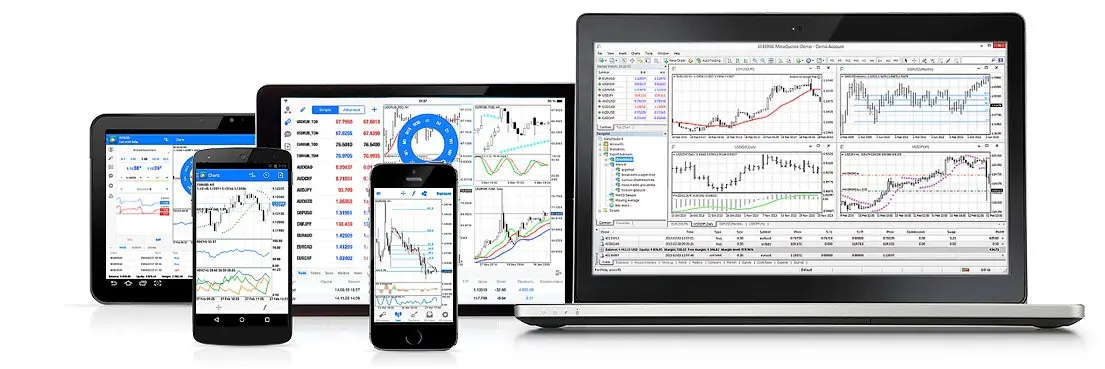
BEFORE YOU START
Parameters differ? Ask support before purchasing.
COMPLETE LIFETIME PACKAGE
Choose your license once and receive the trading system, clear installation guidance, future product updates and direct support — without recurring subscription fees.
Compare lifetime plansONE PAYMENT · LIFETIME LICENSE
Every plan includes the same automated trading system, free upgrades and customer support. The only difference is the number of licensed accounts.
Basic
One-time payment · Lifetime
Business
One-time payment · Lifetime
Premium
One-time payment · Lifetime
QUICK START
The original setup process is preserved and simplified into six clear steps.
Save the supplied .ex4 file to your computer.
In MT4, select File → Open Data Folder.
Place the EA inside MQL4 → Experts, then restart MT4.
Choose AUDUSD and set the timeframe to M30.
Drag the EA from Navigator → Expert Advisors onto the chart and review its settings.
Turn on AutoTrading and confirm the EA is active on the chart.
FREQUENTLY ASKED QUESTIONS
Still have a question? Email our team and we’ll help you check compatibility with your broker and account.
fxclassictrader@gmail.comFX Classic Trader is designed for MetaTrader 4 (MT4). It is not presented as an MT5 product.
Yes. After purchase, use the included demo-account license to test with your broker before trading on a live account.
The trading system is described as non-Martingale and includes automated trade and risk management.
The listed plans are lifetime licenses and include free updates and support for the licensed accounts.
It is intended to be broker-independent, but spreads, execution, leverage and price feeds differ. Test it with your broker before live use.
A VPS is recommended if your computer or internet connection cannot keep MT4 running reliably 24/7.
This edition was created for AUDUSD on the M30 timeframe.
The original requirements recommend leverage from 1:50 to 1:500, with a minimum of 1:30.
TRANSPARENCY & SUPPORT
FX Classic Trader publishes three automated MT4 Expert Advisors. Product facts, evidence types and license terms are separated clearly so you can evaluate the offer before purchasing.
This page covers AUDUSD on M30. The currency pair and timeframe are checked against the product page and its original Strategy Tester report.
Public FX Blue profiles show the connected account; original Strategy Tester reports show historical simulations. Backtests are never presented as guaranteed live performance.
The selected plan states the number of real and demo accounts. Lifetime plans include product updates and direct support at fxclassictrader@gmail.com.
READY TO AUTOMATE YOUR SETUP?
Review the evidence, choose your license and follow the quick-start guide.